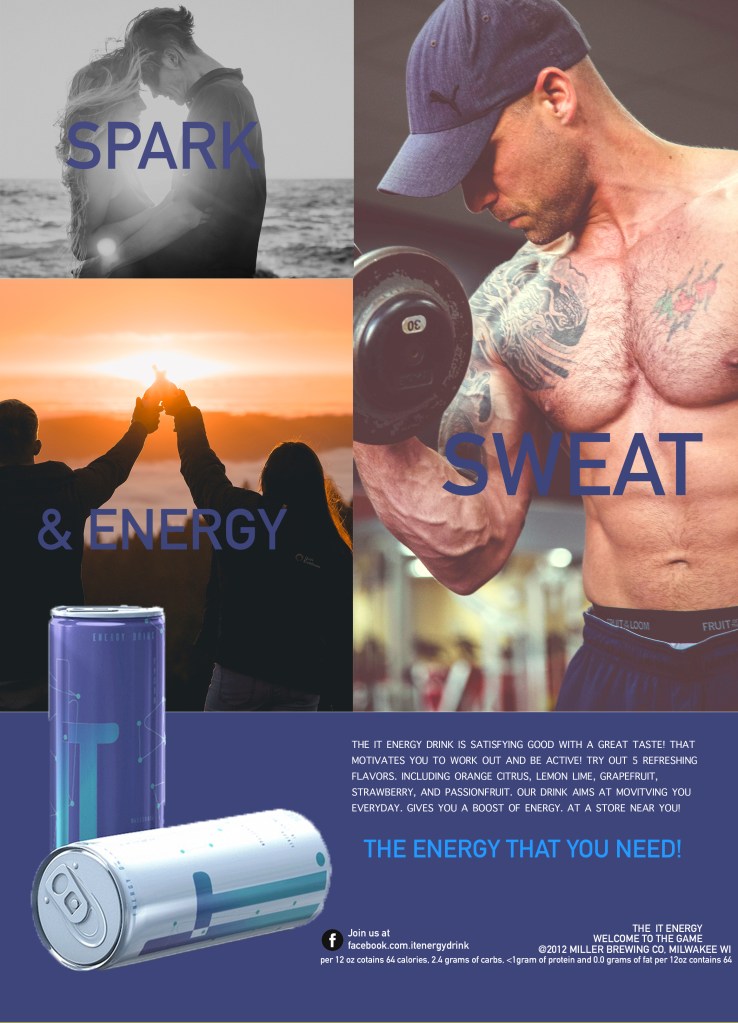
Copy Cat Magazine Ad
in this assignment we had several magazine ads to choose from we had to pick one to redesign using inspiration from our chosen ad. The main objective was use specific photoshop tools to work on document placement and text replication.
Background images were used from unsplash.com.
- Key Objectives and Photoshop Features
- Canvas size
- Text tool
- Rectangle tool
- Layer management and naming
- Importing files into photoshop
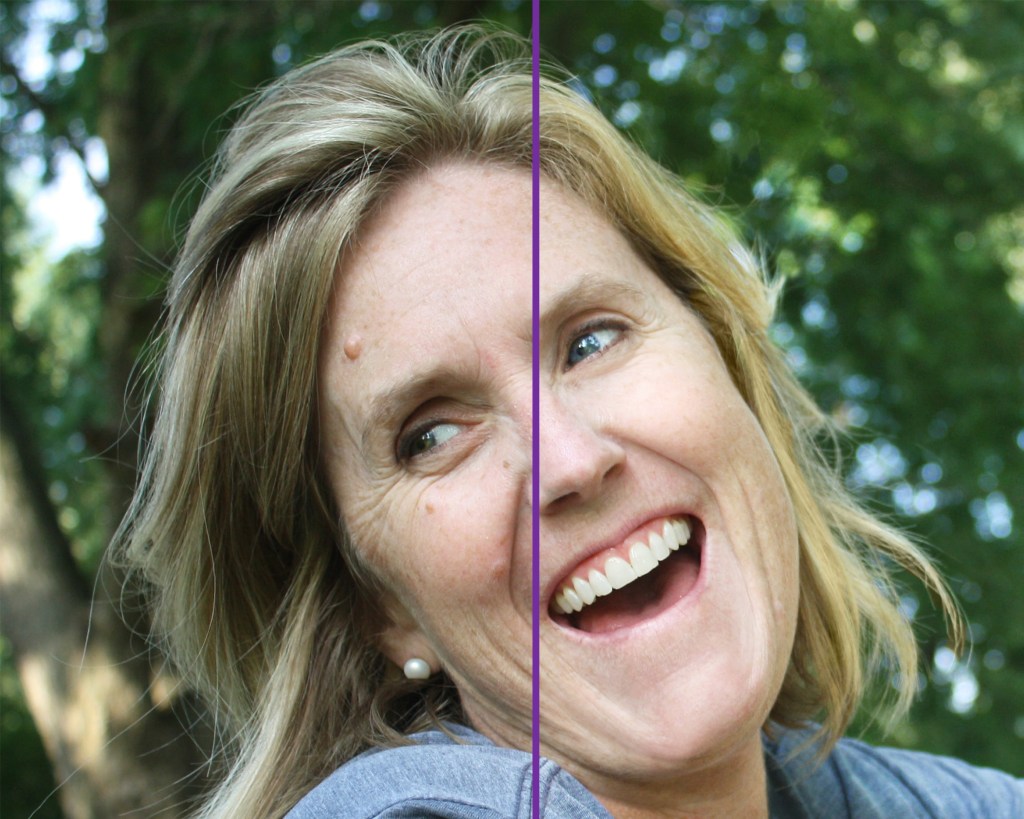
Raster Graphics class: Portrait Retouch
The objective was to retouch the portrait photo using specific photoshop tools and without distorting it.
The image used was given out by the professor with permission to use.
Key Objectives and Photoshop Features
- Image size
- Canvas size
- Patch tool
- Clone stamp
- Dodge tool
- Burn tool
- Spot healing brush
- Adjustment layer tools
Raster Graphics class: Magazine Ad Cover
The objective of the project was to take an already existing image and create a realistic ma
In this assignment, we were suppose to take a photo and incorporate into our own magazine cover. Key part of this assignment was to work on certain details such as adding a background, adding font, adding a magazine title, etc.
The image used was taken with permission to use and edit.
Key Objectives and Photoshop Features
Brush Tool
Object selection
Lasso
Polygonal Lasso
Text tool

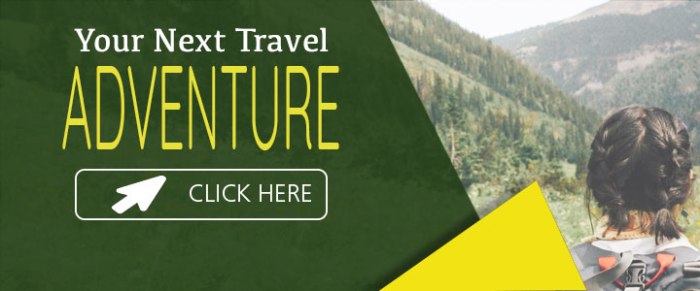
The main objective of this assignment was to work resizing a photos to fit different frames for website ads. This allowed viewer to easily recognized the ad more quickly. Allowed me to learn how to rearrange photos in certain spaces.
The required footer provided exposure to Image size vs Canvas size and how the megabytes of a file changes depending on resolution.
Key Objectives and Photoshop Features
Image size
Canvas size
Text tool
Rectangle tool
Paint bucket tool
Layer naming and management
Importing images into Photoshop
Sizing an image based on specifications
Free transform featureSelection tools (polygon lasso)
adjust the Composition for various sizes





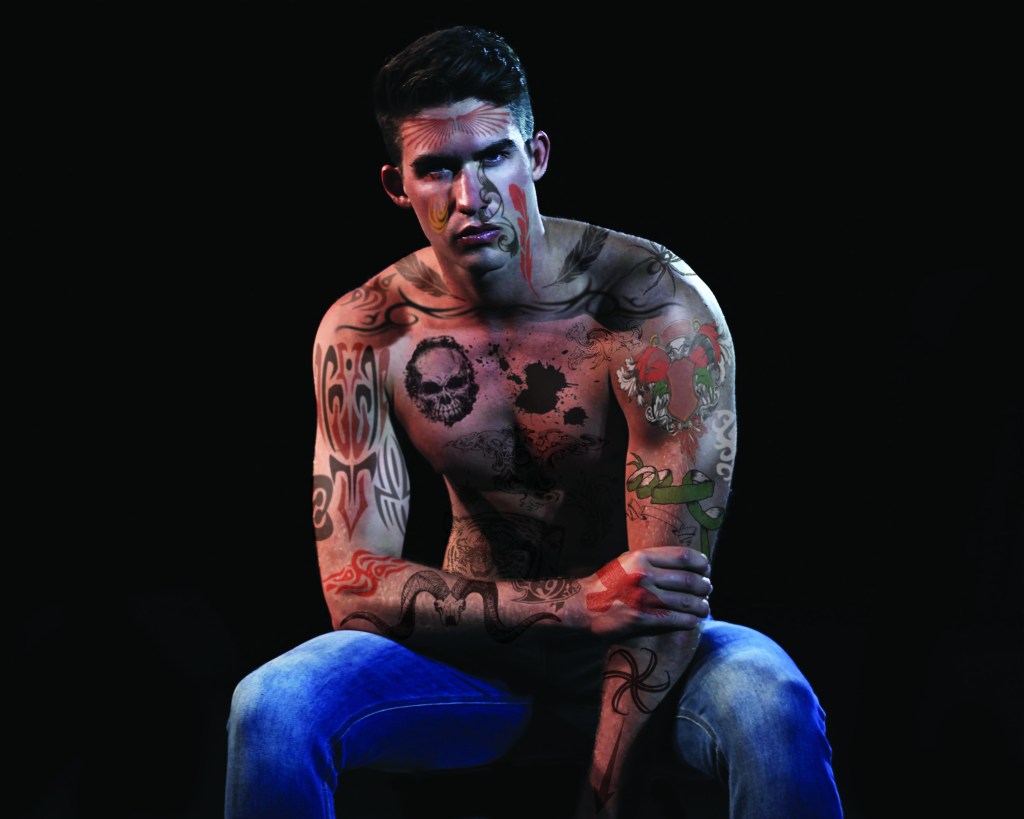
Raster Graphics class: Tattoo
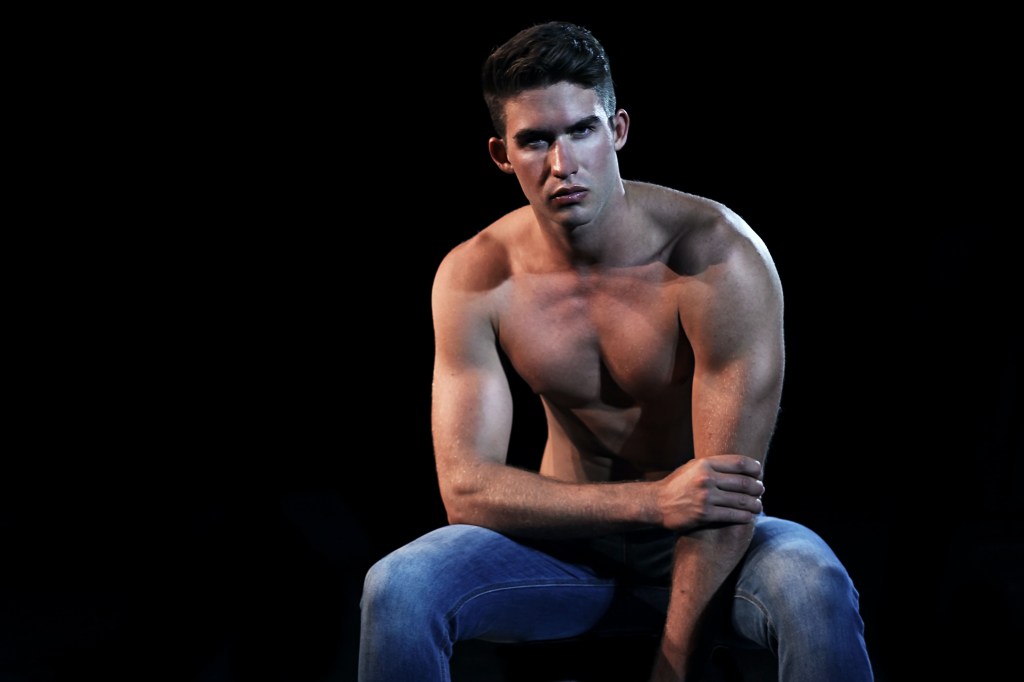
The objective of the project was to take portrait photo showing the body or skin and create the illusion of tattoos on the body. The main goal was to cover 95% of skin with tattoos on the person’s body.
All images used were taken with permission to use and edit.
Key Objectives and Photoshop Features
Photo was taken, with permission, from unsplash.com. Tattoo images were given by the instructor.
Brush Tool
Lasso
Layer modes
Layer Adjustments
Layer levels
Color overlay
Paint bucket
Opacity
Transform tool
Warp function
Raster Graphics class: Russel Brown
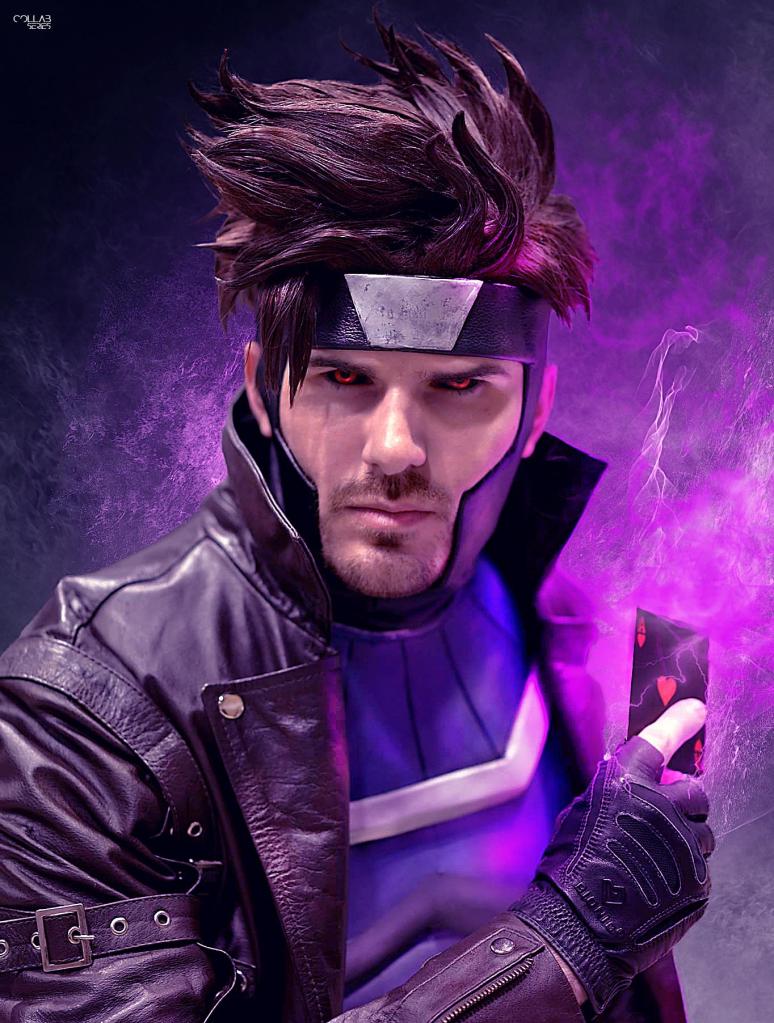
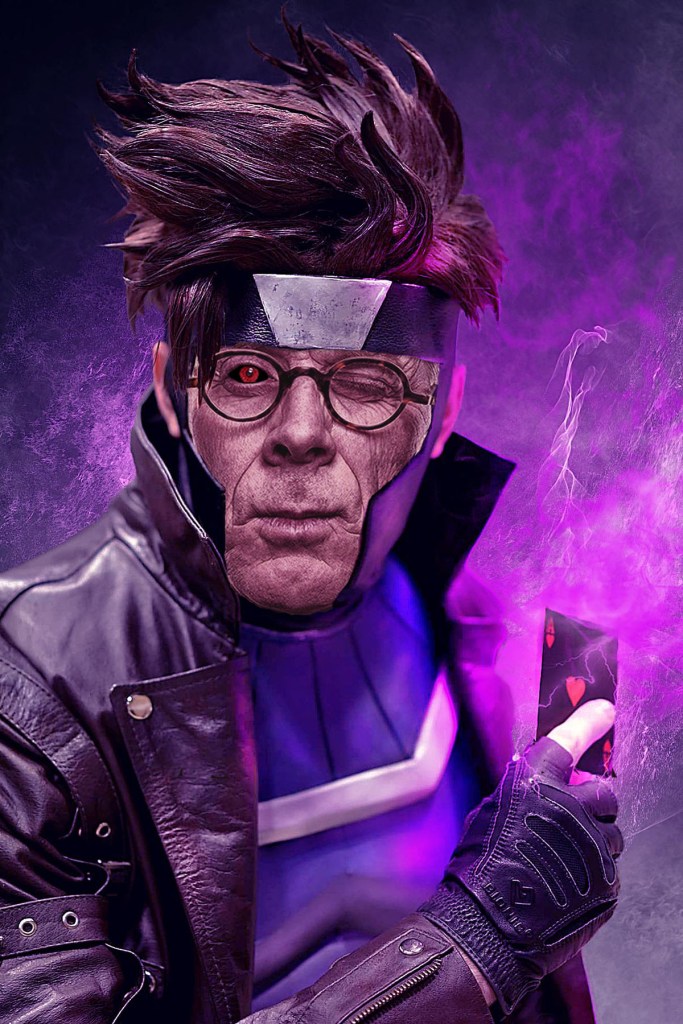
The goal of this assignment was to take the provided photo of Russel Brown’s and photoshop his face into our chosen character . In this aadssigment we had to pay close attention to match skin color and texture to the best of our efforts.
The photo of Russel Brown was given by the instructor. The photo of the character Dumbledore was taken, with permission, from wizardingworld.com.
Brush Tool
Object selection
Lasso
Layer modes
Layer Adjustments
Layer levels
Layer curves
Color overlay
Paint bucket
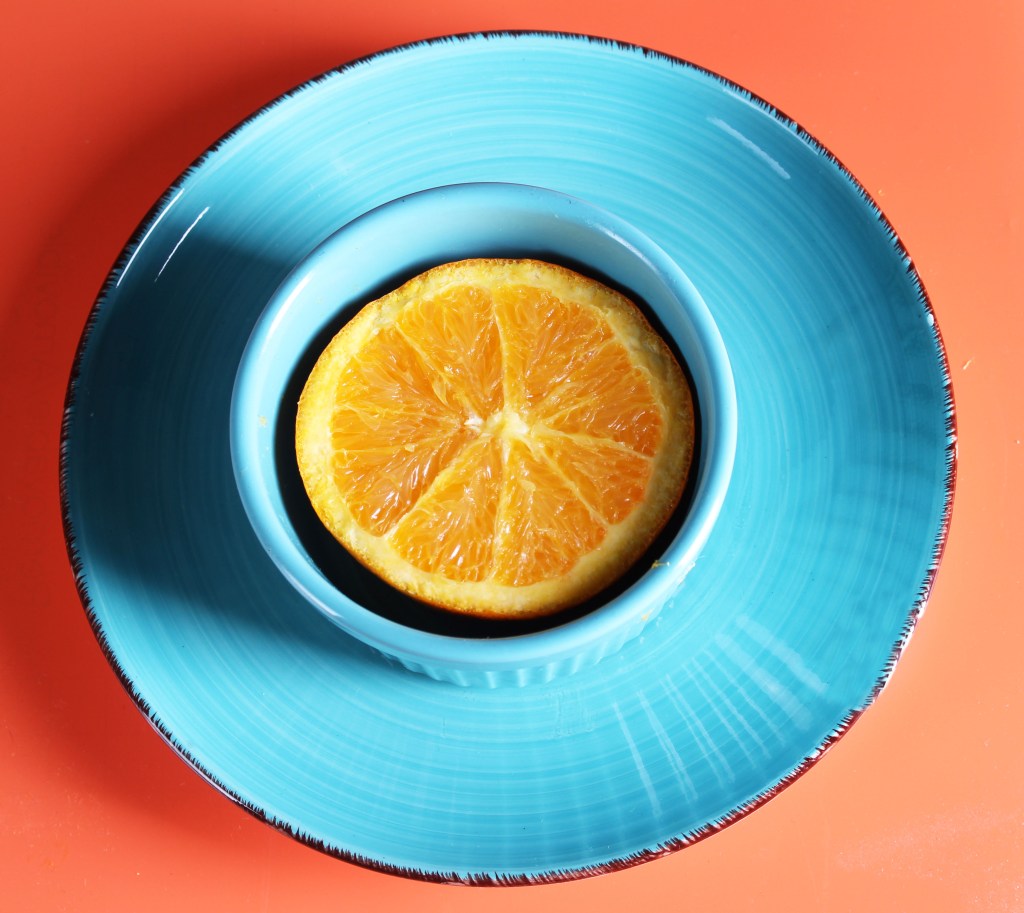
Product Photography
composite: combine photos
food in motion

portrait jewelry
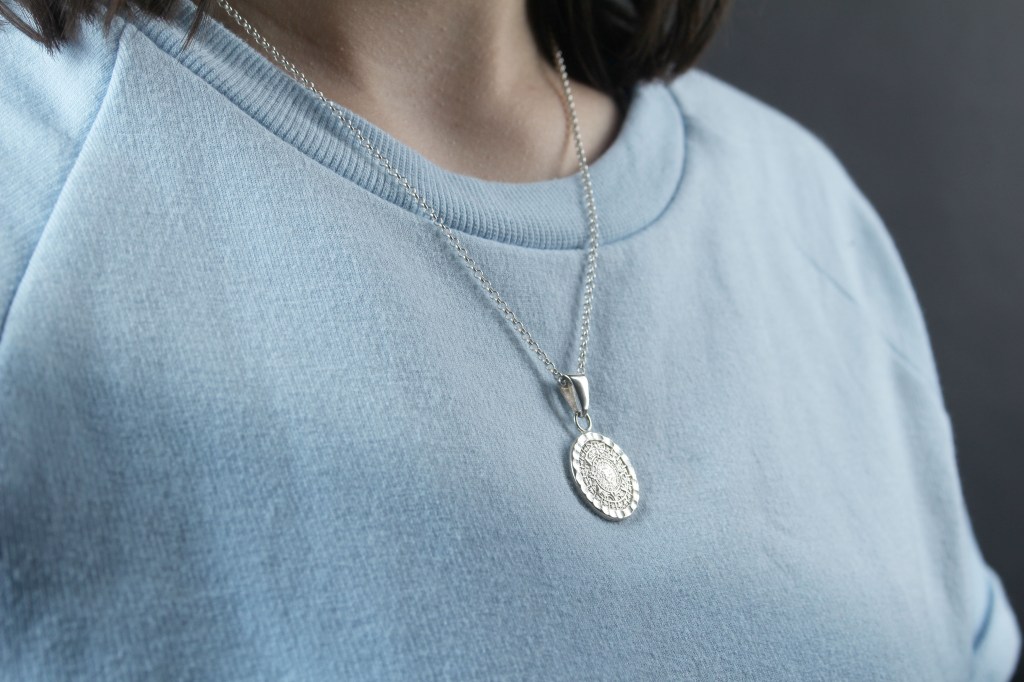
final photo
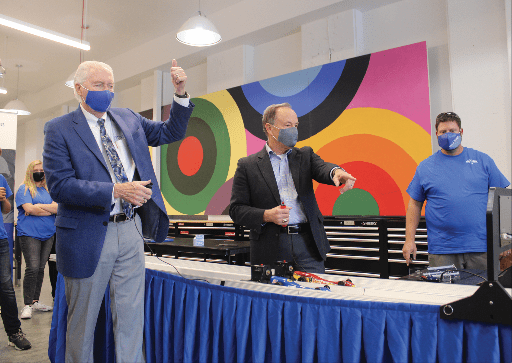
Collegio newspaper work
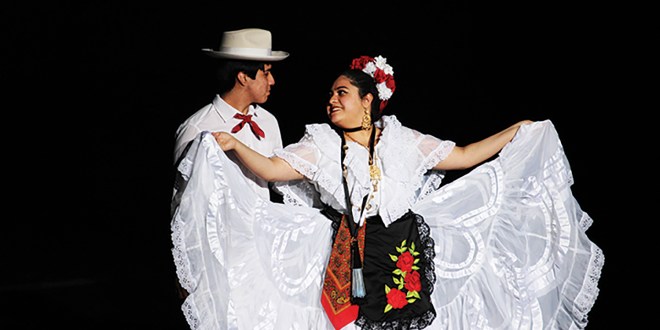

 KC StreetWear and Blog